
Riva Command Center
Local-first observability for the coding agents on your machine.
Claude Code, Codex, Cursor, Copilot — as agents get more autonomous, visibility disappears. Riva restores it: see what every agent is doing, what it costs, and whether it's behaving. All local. Your data never leaves your machine.
curl -fsSL https://rivalabs.ai/install.sh | sh
irm https://rivalabs.ai/install.ps1 | iex
Prefer pip? pip install riva · view script
Uninstall: curl -fsSL https://rivalabs.ai/uninstall.sh | sh · Windows: irm https://rivalabs.ai/uninstall.ps1 | iex



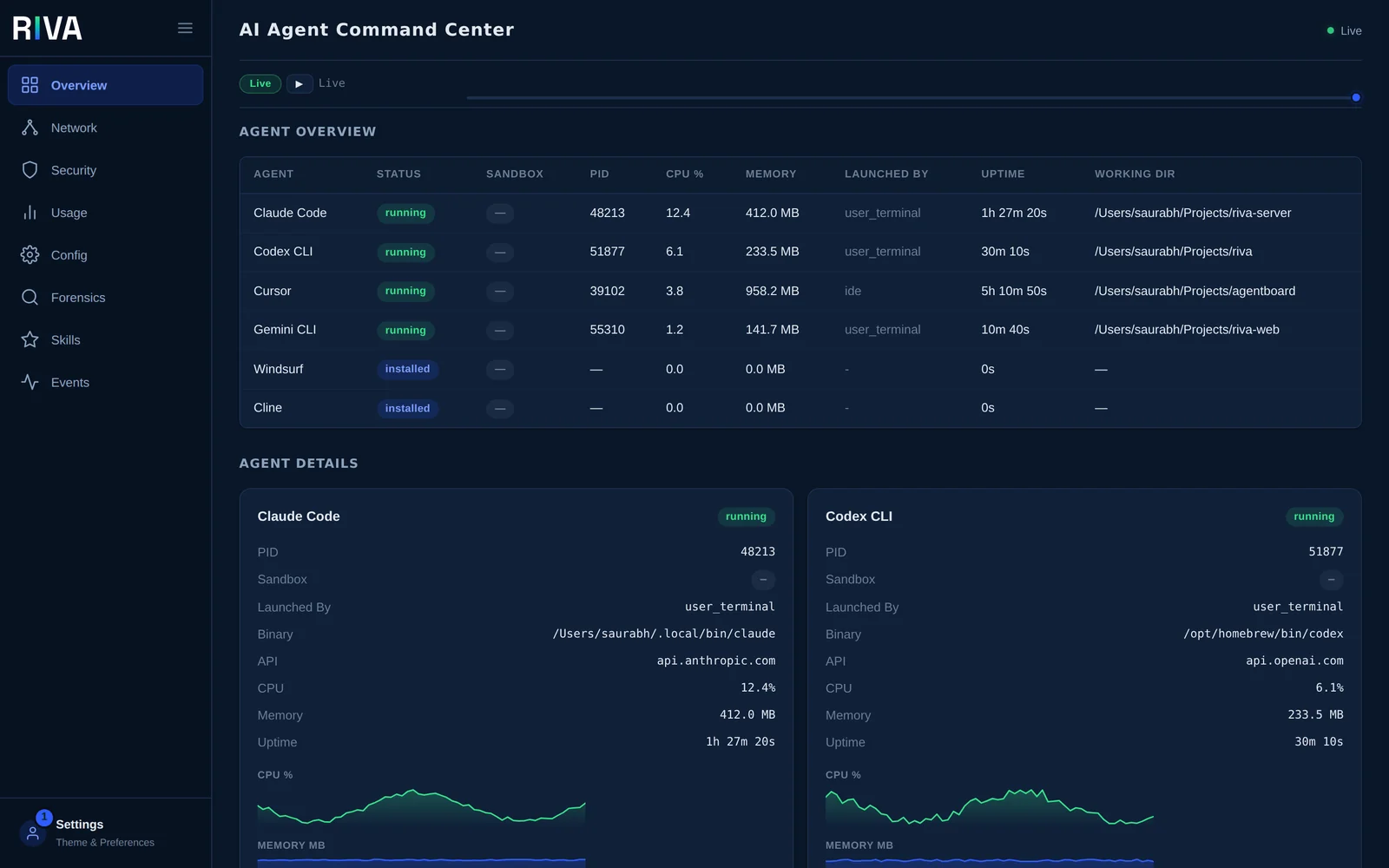
See it running
The Riva console on your machine, in the browser or the terminal, and Riva Server for the whole team.
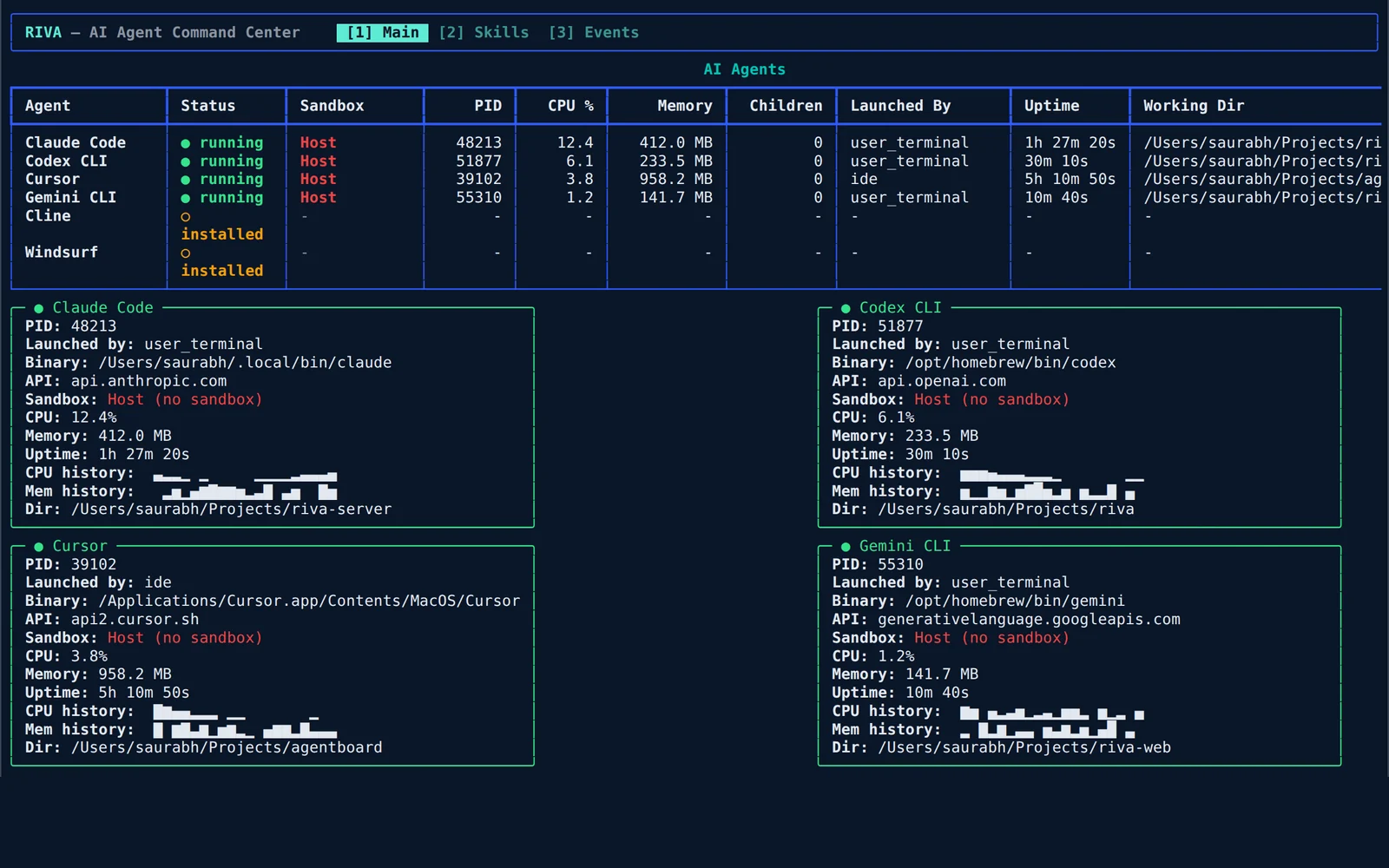
riva watch, for SSH sessions and tmux panes.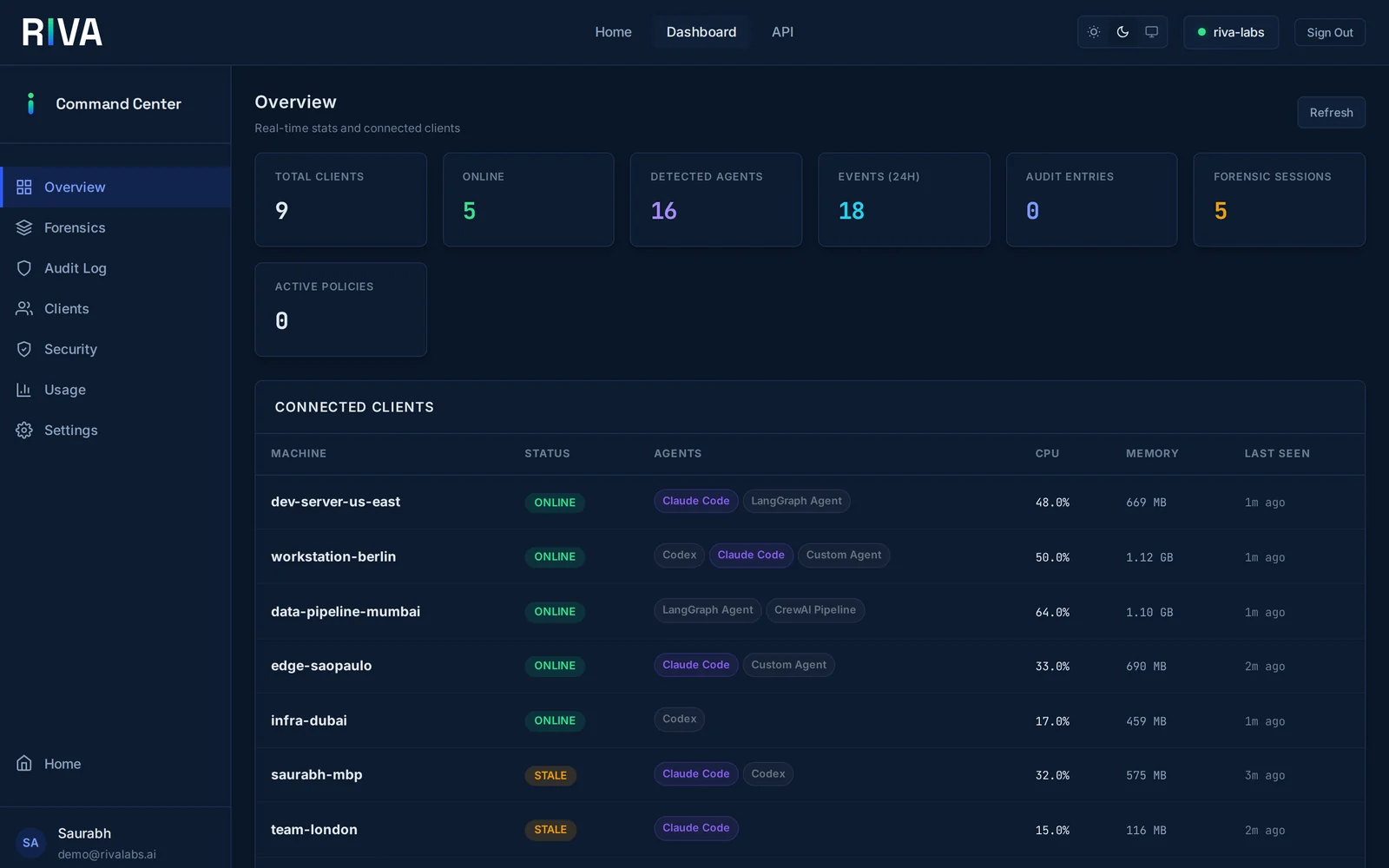
riva link start and see every agent across the team in one place.Screenshots show demo data.
13 Agent Frameworks
Drop-in observability for the agents you already run.
Features
Full-stack observability for AI agents.
Real-Time Monitoring
Live TUI dashboard showing agent activity, CPU/memory usage, tool calls, and execution traces as they happen.
Token Analytics
Track token usage per model, cost per agent run, daily breakdowns, and top tools by call count.
Security Audit
15+ automated checks — credential exposure, permission hardening, MCP supply chain risks, prompt injection detection, network anomalies.
Session Forensics
Turn-by-turn timelines, pattern detection (dead ends, retry loops, thrashing), decision-point extraction, and cross-session efficiency trends.
CLI / TUI
Terminal-native interface. Scan, watch, audit, inspect forensics, query history — without leaving your terminal.
Web Dashboard
Browser UI with REST API. Overview, network, security, usage, config, and forensics tabs. Dark/light themes.
System Tray
Native macOS menu bar app. Glanceable agent status, alerts, and quick actions. Compiled Swift binary.
OpenTelemetry
Export metrics, logs, and traces to any OTel-compatible backend. Bundled Grafana dashboard. All three signal types supported.
Security First
Stability and security don't come from hoping agents behave. They come from watching them.
- Tamper-evident HMAC-SHA256 audit log chain
- Prompt injection detection and alerting
- Boundary policy engine — file, network, and process limits
- Credential exposure scanning (14 token patterns)
- MCP supply chain checks (HTTP endpoints, shell commands)
- CEF export for SIEM integration (Splunk, QRadar)
Getting Started
# Install Riva (Windows: irm https://rivalabs.ai/install.ps1 | iex)
$ curl -fsSL https://rivalabs.ai/install.sh | sh

# Scan for running agents
$ riva scan

# Live monitoring dashboard
$ riva watch

# Run a security audit
$ riva audit

# Session forensics
$ riva forensic summary latest

# Launch the web dashboard
$ riva web start

# Link this machine to your team's Riva Server
$ riva link start https://rivalabs.your-company.ai
Running agents as a team?
Riva Server brings every machine into one command center — fleet dashboard, org-wide audit, and central policy.